Privacy education · October 14, 2026
Before Returning a Car, Review the Data You Added
A practical guide to phone pairing, saved destinations, account connections, and checking personal-data removal before returning a rental or borrowed car.
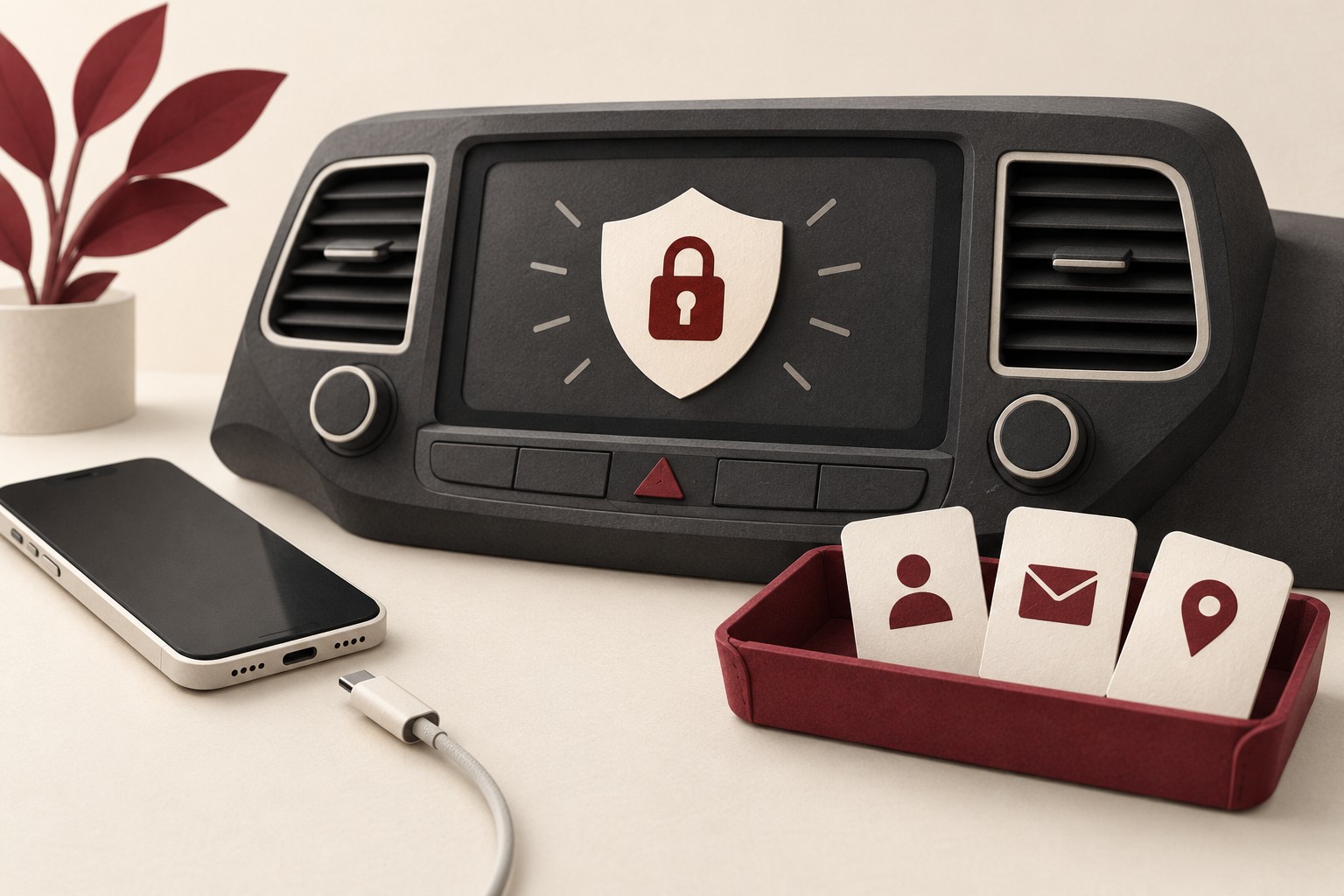
Returning a rental car usually involves checking the fuel level, collecting luggage, and looking for a forgotten charging cable. Add one more task before handing over the keys: review the personal information you introduced to its screens and connected services.
A temporary connection deserves a temporary purpose. You may have paired your phone for a call, entered a destination, or signed into a media service. The trip ending is a useful point to ask what should remain available to the next person using the car.
Decide what you need before connecting
The Federal Trade Commission’s rental-car guidance warns that some infotainment systems may retain destinations, contacts, and call or message information after a rental ends. It recommends limiting permissions and deleting your data before returning the vehicle.
When a pairing prompt appears, read the request instead of accepting every option. If you only want music, consider whether the system needs your contacts. If you only need power, the FTC advises using a vehicle power-outlet adapter rather than connecting to the infotainment system’s USB port, because some USB connections may transfer data automatically.
These choices are easiest while parked and unhurried. Decide on the connection before starting the journey, and keep any setup or cleanup work out of the driving task.
Make a short list of what you added
Think back through your own use. Did you pair a phone, allow contact access, enter navigation destinations, create a driver profile, or sign into an app? Use those actions as a checklist for the return. You do not need to explore somebody else’s information to review your own.
Check the vehicle’s paired-device menu and follow the documented process to remove your device and its associated data. The FTC recommends the owner’s manual or rental company as sources of help when the deletion process is unclear. Menu labels alone may not explain the full effect of an action.
If you entered destinations directly, review the navigation system’s saved and recent places as well. Keep the task focused on what you added. Avoid making broad changes to another person’s vehicle or an unfamiliar fleet system without the owner’s or rental company’s guidance.
Understand the difference between restarting and removing
Turning a screen off is not a reliable cleanup procedure. Even a control called “reset” needs context. For example, Ford’s SYNC 4 guidance distinguishes a soft reset that leaves stored data intact from a factory reset that removes stored information and affects other functions.
That is an example of why instructions must match the vehicle and system. It is not a universal procedure for every car. Read the consequences before choosing a factory reset, particularly in a rental or borrowed vehicle, and obtain the appropriate guidance for that setting.
After the documented removal, revisit the relevant menus. Confirm that your device entry, profile, or saved details are no longer visible where the instructions say they should be removed. Verification is more useful than remembering that you tapped a button.
Review both ends of the connection
Look at the phone too. Remove the temporary vehicle pairing if you no longer need it, and review any account connection you created for the trip. Treat a phone-side change and a vehicle-side cleanup as separate checks rather than assuming one proves the other is complete.
If an app remains linked to a vehicle you no longer use, follow that service’s account-removal instructions. For an owned car being sold or donated, the FTC’s vehicle handover advice also calls attention to connected apps and subscription services that can need separate cancellation or transfer.
Allow time before handing back the keys
Build the review into your return routine while you still have access to the car. Keep a few minutes for it alongside checking the seats and storage compartments. A rushed return is a poor time to discover that you do not know where your profile is stored.
If a menu is unavailable or the removal cannot be confirmed, ask the rental company for help and explain the specific item you need removed. Record what was actually done rather than treating a request for help as proof of deletion.
The aim is a manageable habit: connect only what you need, notice what you add, use the correct removal procedure, and check the result. A car used for a short time should not become a forgotten place where personal information remains.
General privacy education. Vehicle systems and removal procedures vary by model and version. Follow the relevant manual and rental company or owner guidance. Sources reviewed October 14, 2026.