Privacy education · October 30, 2026
Review Where a QR Code Takes You
A practical guide to checking QR-code destinations, unexpected requests, app downloads, and the information a linked form asks you to share.
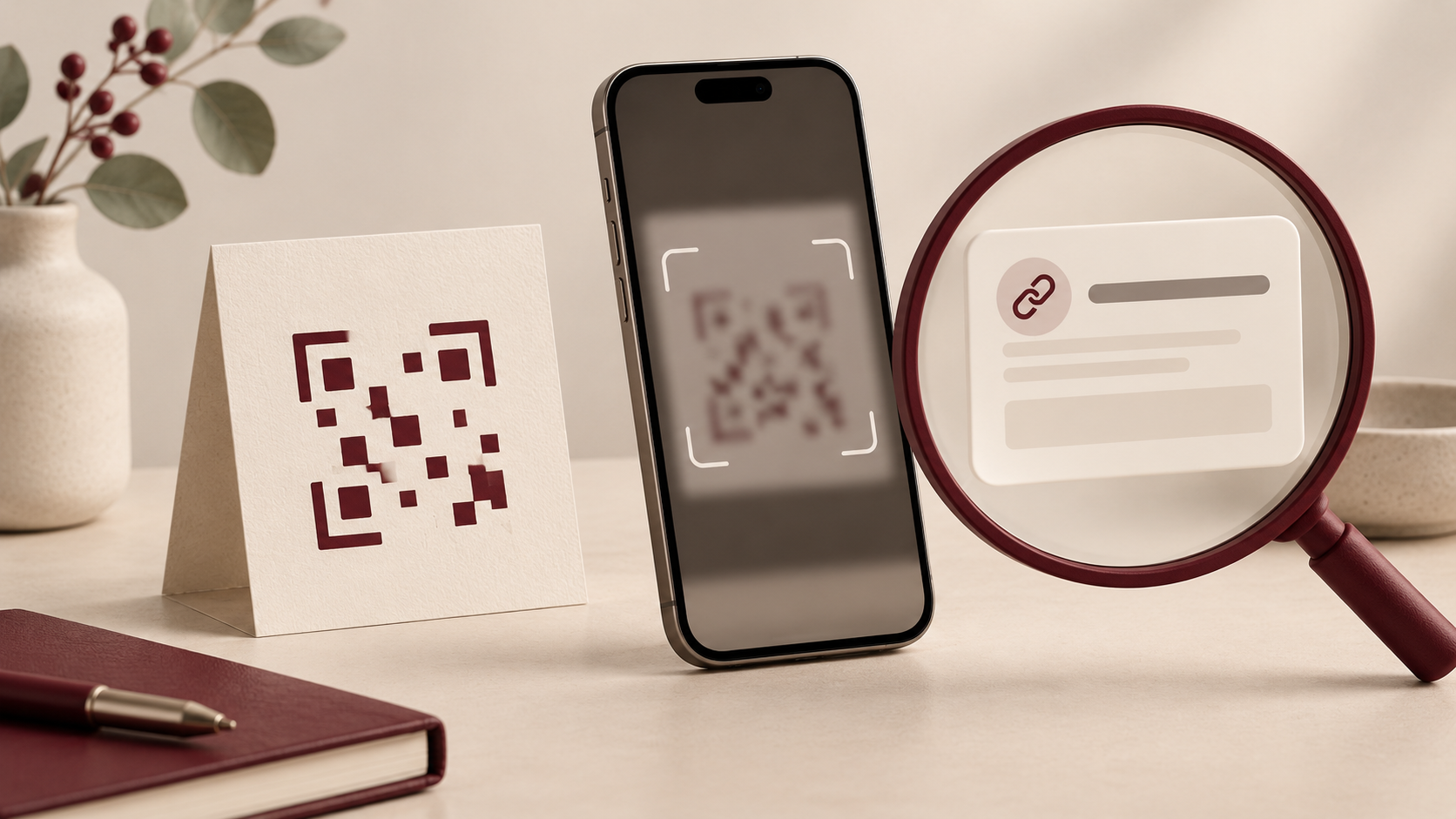
A QR code can make it convenient to reach a menu, instructions, or another webpage. That convenience is also a reason to pause. The printed square is easy to notice; the destination and its requests deserve just as much attention.
For codes that open webpages, treat the process as several decisions: whether the code fits the situation, whether to open the displayed link, and whether to share anything with the page you reach. Finishing one step does not settle the next.
Read the destination before continuing
In its September 2026 QR-code guidance, the Federal Trade Commission says many QR readers show a preview of the destination link. It recommends inspecting that link for misspellings or switched letters before opening it.
Use the preview as a review opportunity. Ask whether the address matches the organization or service you intended to visit. Read the whole address carefully, even when one part looks familiar.
If the preview leaves you uncertain, you can stop and reach the service through a route you already know. Reading an address is useful, but it is not a guarantee that a destination is genuine or that its requests are appropriate.
Consider where the code appeared
New Zealand’s National Cyber Security Centre advises caution with unexpected QR codes, including ones that appear recently attached or placed over existing codes. It also recommends caution when a code accompanies a time-sensitive request.
Look at the surrounding context before proceeding. Does the code fit the task you are trying to complete? Is there another way to obtain the same information? A code on a physical sign still deserves a destination check.
For example, if you want basic visitor instructions, an unexpected request to sign in should prompt a separate decision. You do not have to complete an unfamiliar process merely because it began with a convenient scan.
Treat the form as another privacy choice
The FTC’s guidance on harmful QR links explains that a destination can imitate a genuine website and collect information people enter there. A convincing page design should not substitute for checking where you are.
Before filling in a form, compare its requests with your original purpose. Decide whether the requested details are necessary for that task and whether you are comfortable providing them to this destination. Pause if the page asks for more than you expected.
Keep the decision concrete: you wanted to read something, complete a particular task, or obtain specific information. Evaluate the new request on its own terms. Reaching a page does not oblige you to create an account, provide personal details, or continue through every screen.
Use a known route for an unexpected message
The FTC recommends avoiding QR codes in unexpected emails or texts, particularly messages pressing for immediate action. If the request might be legitimate, verify it through a website or other contact route you already know is real.
This separates the claimed problem from the message’s proposed solution. Instead of using the code to investigate an account warning, go independently to the service you intended to check. Avoid treating the message’s urgency as evidence that its instructions are trustworthy.
Review downloads and make alternatives easy
The New Zealand NCSC also advises backing out when a QR code prompts an app download and finding the app through an official app store. That is another point at which to reconsider whether an installation is necessary for your original task.
For teams that publish QR codes, provide a clear explanation of the destination and a usable alternative route. Keep the linked page focused on the promised task. Where information is requested, explain its purpose so visitors can make an informed choice.
A repeatable routine is enough: consider the code’s context, inspect the destination, review the page’s requests, and stop when the next step no longer fits your purpose. Convenience should leave room for a deliberate privacy decision.