Practical privacy
Urgency Is a Signal: Slow Down Before You Share
A practical privacy guide to recognizing phishing, verifying unexpected requests, and responding calmly if you clicked or shared information.
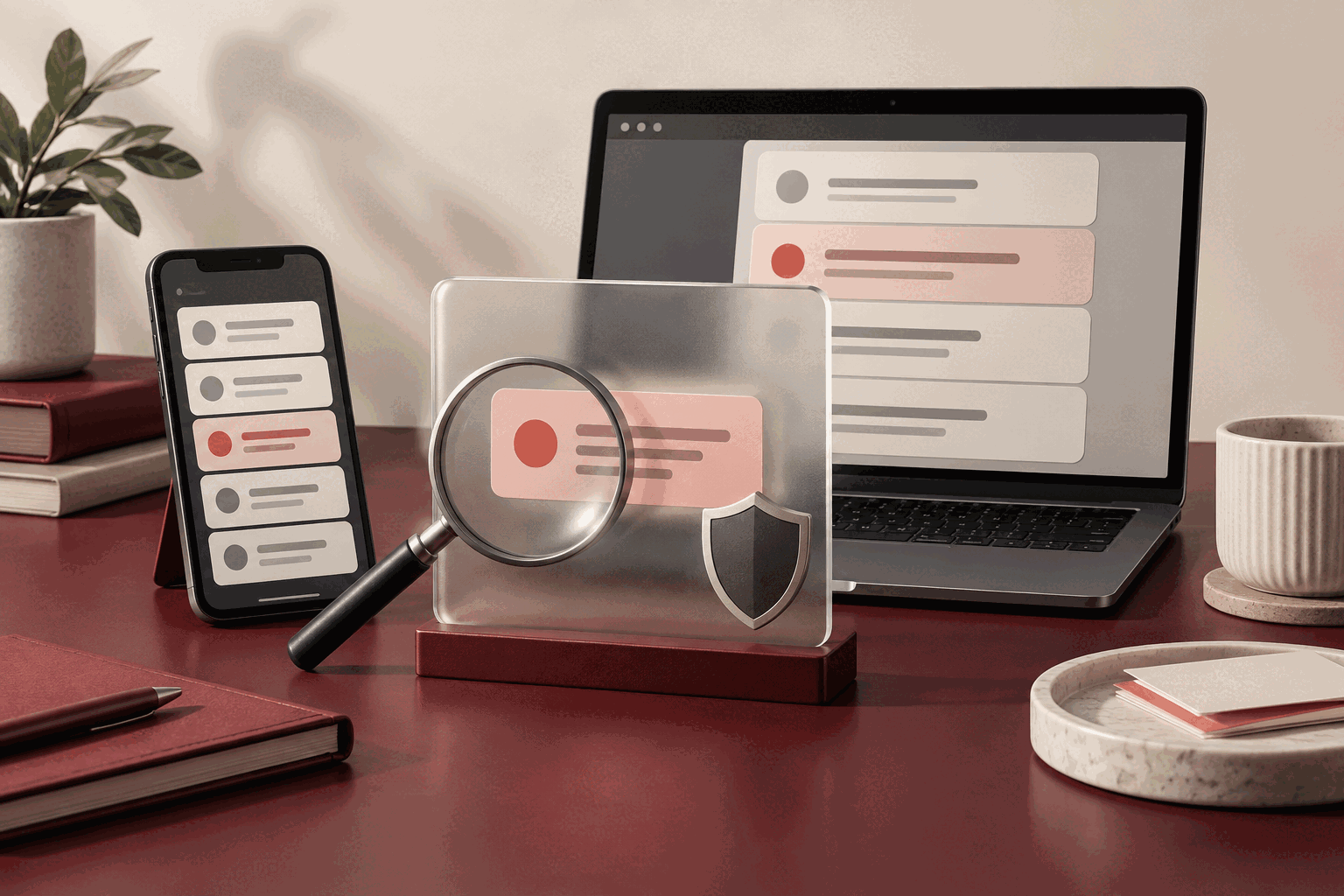
A message does not need to look careless to be deceptive. It may use familiar colors, a convincing sender name, a routine invoice, or a believable notice about an account. What often gives phishing away is not one obvious mistake. It is the pressure to act before you have time to verify what is happening.
That makes phishing a privacy issue as much as a security issue. A fraudulent request may seek a password, verification code, payment detail, identity document, contact list, or enough personal context to make the next attempt more persuasive. The most useful response is neither panic nor perfect technical knowledge. It is a repeatable pause.
Notice how the message directs your attention
The Federal Trade Commission’s phishing guidance describes common stories: a supposed account problem, an unexpected invoice, a claim that payment information needs confirmation, or an offer of a refund or prize. These stories are designed to make the requested action feel more important than checking the request itself.
Urgency is therefore a signal to slow down, not proof that a message is false. A real organization may sometimes contact you about a time-sensitive issue. The privacy-preserving habit is to separate the claim from the route provided in the message. You can investigate the claim without using its link, attachment, phone number, or reply address.
Verify through a path you choose
Open the organization’s app directly, use a saved bookmark, type a known address, or call a number from a statement or official website you found independently. Check the account there. If the issue is genuine, it will often appear in the normal account experience. If you contact support, describe the message without sending sensitive information unless the official process clearly requires it.
A displayed sender name is not enough. On a small screen, the full address and destination can be easy to miss. Inspect them carefully, but do not assume that a professional-looking address or encrypted website proves legitimacy. A deceptive page can be polished and can use HTTPS. Verification works best when it begins somewhere you already trust.
Let the requested information guide your caution
Pause when a message asks for a password, one-time code, financial detail, Social Security number, recovery phrase, or copy of an identity document. Also notice less dramatic requests. A date of birth, address, workplace detail, or contact confirmation may be valuable when combined with information from elsewhere.
The Cybersecurity and Infrastructure Security Agency recommends recognizing common warning signs, resisting pressure to act quickly, and reporting suspected phishing. CISA also notes that messages can arrive by email, text, social media, direct message, or phone. Changing the channel does not change the verification principle.
Unexpected attachments and QR codes deserve the same caution as ordinary links. A QR code simply moves the destination out of sight until a device reads it. If a message says a document or code is essential, confirm the request independently before opening it.
Prepare accounts before the next message arrives
Unique passwords limit the damage if one credential is captured or exposed. A password manager can help generate and store them without relying on memory. Multi-factor authentication adds another barrier, although no method makes it safe to approve an unexpected prompt or share a verification code. CISA’s multi-factor authentication guidance recommends enabling MFA and choosing phishing-resistant options when they are available.
Keep recovery information current, review active sessions on important accounts, and remove devices you no longer use. These ordinary maintenance steps make it easier to respond with confidence instead of making rushed changes during a suspicious event.
If you acted, respond without shame
If you entered a password, change it through the real service and anywhere else it was reused. Review recent activity, sign out unfamiliar sessions, and contact the relevant financial institution promptly if payment information or money was involved. If a work account or device was affected, notify the appropriate security team quickly; early reporting gives them more options.
Do not continue a conversation simply because you already replied or clicked. Stop, document what happened, and use an independent route for help. The FTC accepts scam reports at ReportFraud.ftc.gov, while IdentityTheft.gov provides recovery steps for identity theft.
The pause is the practice: read the request, identify what it wants, leave the path it supplied, and verify elsewhere. Privacy is often protected by small moments of friction. A few deliberate seconds can keep an urgent message from making the decision for you.
General educational information, not legal or security advice. Sources checked September 13, 2026.