Privacy education · October 27, 2026
Review the Location History Your Maps App Keeps
A practical guide to maps location history, future collection, device copies, backups, and checking the scope of a deletion choice.
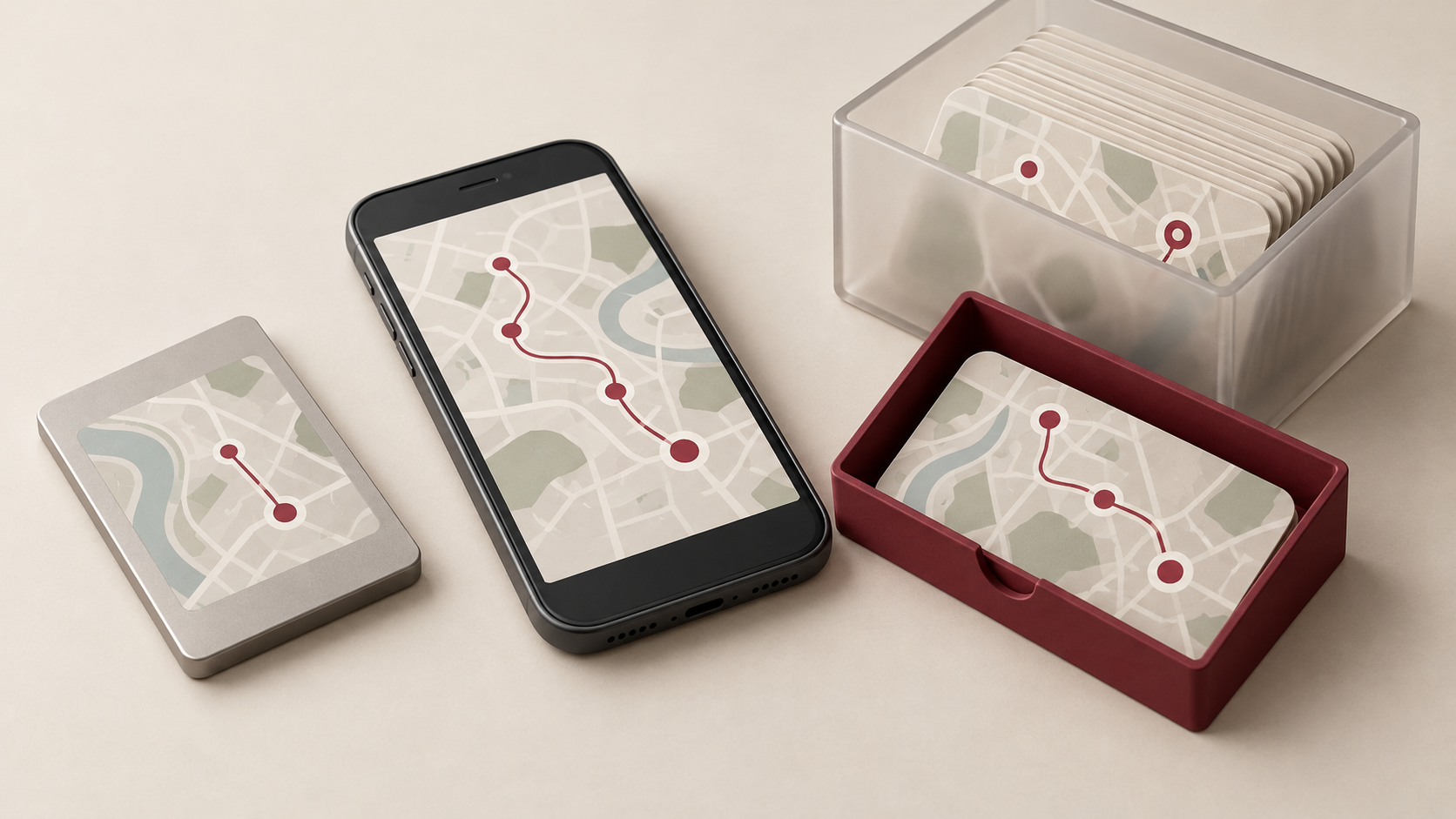
A map can help you remember a trip long after you have returned home. Before keeping that record indefinitely, decide what you want it to do for you. A history of past visits deserves a different review from the location permission needed for a particular journey.
Start with a few concrete questions: which feature saves the history, which device holds it, whether a backup exists, and what a control actually changes. Answering those questions makes a privacy choice easier to check later.
Choose whether to keep building the record
Google’s Timeline account guide describes a feature that saves visits and routes on signed-in devices. Timeline is off by default. When enabled, precise device location can be saved regularly even when Google apps are not in use.
The same guide separates turning Timeline off from removing earlier data. It also says the setting does not change other location services, including Location Sharing. Decide whether your immediate goal is to stop adding to a history, remove an existing history, or review a separate service.
You do not need to choose the same retention approach for every kind of information. Consider what you actually consult and how long it remains useful. A setting selected for an old phone or a particular trip may no longer reflect the reason you use the app today.
Review the devices that hold a copy
Google’s Android Maps instructions say that editing or deleting Timeline data on one device does not update other devices. They also warn that deleted Timeline data cannot be recovered, while another device or backup may still hold data.
Make a short private inventory of the devices you still use or are preparing to retire. Check the relevant account on each one rather than assuming that one cleared screen represents every copy. Review the available date range before deciding whether a narrow change or a broader cleanup matches your purpose.
Treat the backup as another decision
The Maps backup instructions describe separate opt-in on each device and an encrypted copy stored on Google’s servers. Changes can take a few days to appear in a backup. Turning off and deleting backups does not delete Timeline data held on devices.
A backup can serve a useful recovery purpose, but keeping one should be deliberate. Read the current backup screen before changing anything, especially when moving to a new phone. If you export information for your own records, include that saved file in your review rather than creating a copy you immediately forget.
Write down the outcome you intend in plain language: stop future recording, remove a selected period from a device, or retire a backup. Treat each as a separate check. This is more useful than relying on a general impression that location history has been “handled.”
Read the scope for the product you use
Different products do not necessarily remove history in the same way. Apple’s location-history safety guide distinguishes Significant Locations & Routes, Visited Places, and recent searches. For Significant Locations & Routes specifically, Apple says clearing its history clears significant locations across devices signed into the same Apple Account.
That feature-specific description should not become an assumption about another app or every location record. Use the instructions for the feature in front of you. Check its name and the account involved, and read the confirmation wording before accepting an irreversible change.
Check what your review accomplished
Return to the history view after making a choice. Confirm the relevant dates and recording setting, then check any other devices and backups included in your plan. If an app describes a delay, allow for it before deciding that the result is incomplete.
Keep the boundary clear: Google’s account guide explains that other settings, such as Search Services History or Web & App Activity, may separately save location-related data. Turning off or deleting Timeline is not a promise that every location record has disappeared.
For developers, these distinctions belong in the interface: name the data being changed, identify whether a choice affects one device or more, and explain backup behavior. For everyday users, the practical aim is the same: a history kept for a purpose, with a review that checks the actual scope.
General privacy education. Examples refer to the linked Google and Apple documentation; availability and controls vary by device, app version and account. Google notes that Search settings are being updated gradually. Sources reviewed October 27, 2026.