Privacy education · October 16, 2026
Review What Your Guest Wi-Fi Shares
A practical guide to guest-network access, administrator credentials, shared household devices, and checking the settings for your router.
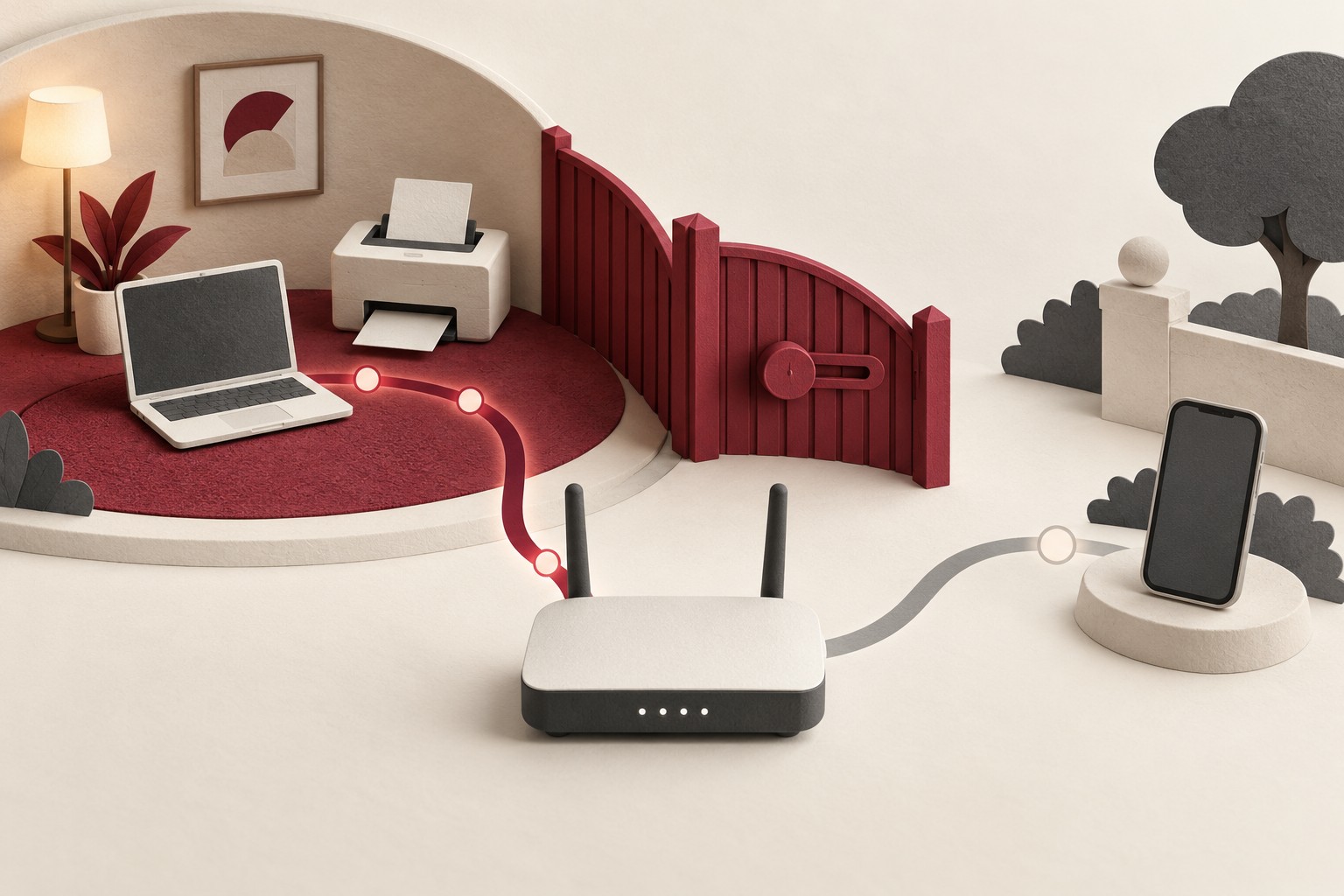
Offering Wi-Fi to a visitor is an ordinary act of hospitality. It is also a decision about access. A separate guest network can make that decision easier to manage, but its name does not tell you everything about what a connected device can reach.
A useful review starts with your intention. Do guests only need internet access, or should they also be able to print a document or use a shared entertainment device? Decide what you want to offer, then check whether the router’s settings match that purpose.
Separate connecting from administering
The Federal Trade Commission’s home-network guidance distinguishes the Wi-Fi password used to connect devices from the administrator password used to change router settings. Treat those as separate responsibilities. Guests need the appropriate network credentials, not the ability to manage your router. Some systems use an app or account for administration; follow the instructions for your setup.
The FTC recommends unique credentials, current router software, and WPA3 Personal or WPA2 Personal encryption. If your internet provider supplied the equipment, ask whether it delivers updates automatically. Use the instructions for your model before changing settings, and keep the information you need to regain administrative access somewhere private.
Make this a planned review rather than a hurried experiment while someone needs the connection. In a shared household, coordinate with the person who manages the network so a change does not unexpectedly interrupt other people.
Check what “guest” means on your equipment
Manufacturers implement guest features differently. Google’s guest-network instructions, for example, allow administrators to choose devices that guests can use, such as a printer. That is a reason to review the sharing selections alongside the guest password.
TP-Link’s Deco guidance describes another distinction: its guest-network behavior depends on operating mode. In Router mode, it describes isolation from the main network; in Access Point mode, an Allow Local Access control governs access to local resources. It also notes that features vary by model and software.
These are examples, not instructions for every router. Find the documentation for your actual hardware, firmware, and mode. Look for explanations of guest access, local access, shared devices, or isolation. If a label is unclear, ask the manufacturer or provider what it permits before relying on it.
Share a specific resource deliberately
If visitors need a printer, identify that particular need. Review whether your equipment offers a limited sharing option and whether enabling it also changes access to other resources. Avoid broadening access simply because it is the first solution that makes a task work.
After making a documented change, use a device you control on the guest network to check the intended task. Confirm that internet access works and that any deliberately shared resource behaves as expected. A practical check can reveal an unexpected connection, but one unsuccessful printer or sharing attempt does not prove complete isolation.
If a device cannot do what you need under the available settings, consider another way to complete the task. You can also ask for support instead of disabling several unfamiliar controls at once and losing track of what changed.
Give guest access a review point
Consider when the access will stop being useful. A visitor staying for a weekend and a household member using the network every day have different needs. If your router supports an expiry or schedule, review its scope before using it.
When changing a guest password, think about who will need the replacement. Keep a private note of the review date and the purpose of any sharing exception. That makes it easier to revisit a decision later without trying to reconstruct why it was made.
Keep the privacy benefit in proportion
A guest network manages part of the local access arrangement. Do not treat it as a promise that browsing is anonymous or that a website changes its data practices. Continue reviewing the accounts, apps, and services used on connected devices.
The privacy habit is straightforward: distinguish network access from administration, read the actual guest-network controls, share only the resources you intend, and review the arrangement when needs change. That lets you welcome visitors while keeping household access a decision you understand.
General privacy education. Features and access controls vary by router model, operating mode, and software version. Follow the current documentation for your equipment. Sources reviewed October 16, 2026.