Privacy education · October 26, 2026
An Email Mask Is One Part of a Privacy Plan
A practical guide to email masks, forwarding controls, account recovery, and retiring an address without confusing delivery changes with account closure.
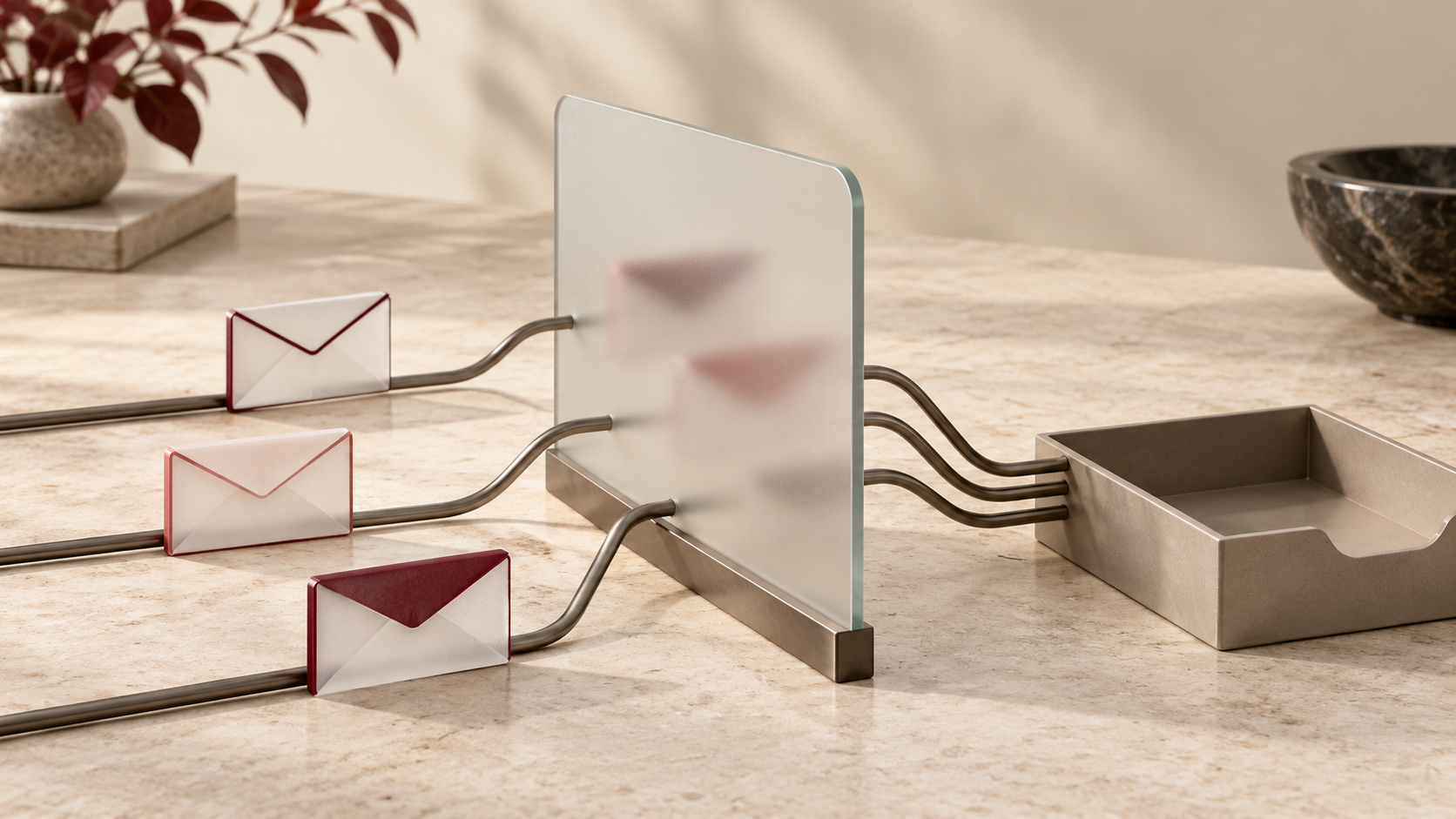
A newsletter, a store account, and a community forum do not necessarily need the same address you use for personal correspondence. An email mask offers a way to make that choice more deliberately. The useful starting point is to understand which part of the exchange the mask changes.
Think about the address you disclose, the inbox that receives messages, and the account you are creating as three separate decisions. A convenient forwarding feature should fit the relationship you want with a service and the access you may need later.
Understand the address and the destination
Mozilla describes an email mask as a forwarding address. It lets you give a site a different address while mail still reaches your existing inbox. Relay’s dashboard provides controls for individual masks and turning forwarding off.
Apple’s iPhone guide describes Hide My Email addresses created with iCloud+ as random addresses that forward to a personal email account. This example has a specific eligibility requirement; do not assume every account or device offers the same feature.
Those descriptions concern address sharing and delivery. They are not a reason to assume that a name, a profile description, or information you type into a form has also been hidden. Review those choices on their own.
Choose a purpose you can recognize later
Before using a mask, decide what it is for. A short-lived subscription and an account you expect to keep for years deserve different retirement plans. Consider whether you are comfortable depending on this forwarding arrangement for the messages the account may send.
Keep a private record connecting the mask to its purpose, using the provider’s labels or your own protected account records where appropriate. The aim is to make a later decision understandable: which service uses this address, why was it created, and is it still needed?
Check that the messages you expect actually arrive. Where a service offers an address-verification step, complete it before assuming the arrangement works. When reviewing an older account, inspect its current address setting rather than relying only on a label you wrote months ago.
Keep account access in the review
Before turning forwarding off, consider what you could miss: a sign-in message, a password-reset request you initiate, or a notice about an account you still use. Make a small plan for those messages before changing their delivery path.
Blocking a stream of unwanted mail can be a different objective from closing an account. Treat the delivery control and the service’s account-management process as separate tasks. If your goal is account closure or a data-deletion request, find that service’s instructions and check the outcome separately. If changing an address is part of a wider cleanup, check any separate steps for older information rather than assuming the address change addressed it.
Distinguish a pause from permanent removal
Mozilla’s deletion instructions say a deleted Relay mask cannot be recovered and will no longer forward messages. They specifically advise updating the login address on sites you care about before deleting the mask. This makes checking account access part of preparation, rather than an afterthought.
Apple documents a different set of choices for its generated addresses. Its iCloud.com management guide says an inactive Hide My Email address can be reactivated, while a permanently deleted address cannot. It also directs addresses created through Sign in with Apple to separate management instructions.
Read the wording for the specific address you are managing. A reversible pause, permanent deletion, and a sign-in integration should not be treated as interchangeable. Choose the control that matches your purpose, with an understanding of whether you can undo it.
Make the boundaries clear
For people who build account systems, the same separation is useful. Explain where an address is used, how a person can change it, and what verification a change requires. Keep account closure and notification preferences understandable alongside those controls. Clear language helps someone make a privacy choice without guessing at its effect on access.
For everyday use, a short review is enough to establish a better routine: identify the purpose, check the destination, verify needed messages, and plan how the address will be retired. Revisit that plan when the relationship with a service changes.
An email mask can support a narrower sharing choice. Its value is strongest when that choice stays connected to the rest of the account’s life, from the first verification message to the day you decide it is no longer needed.
General privacy education. Examples refer to the linked provider documentation; features, eligibility, and controls vary by service and version. Sources reviewed October 26, 2026.